Skip to content
Zero2Webmaster
MenuClose

Navigation kit · 9 presets · 20 demo pages

Header, footer and mobile-menu kit

Nine named presets for a site's header bar, mobile menu and footer, each rendered as a real page in two brands with no client JavaScript, plus the gap list Site Control needs to draw them.

Headers

Three bars. Two are ported from Site Control's shipped designs with every axis value unchanged; the third is new, laid over the first photograph. Sub-menus drop down or open as a titled mega panel, on hover and on keyboard focus, with no script. Links are 18px in every preset, which is an invariant and not a knob.

Screenshot of the classic bar header drawn for SAVE THE FROGS!

header · classicbar

Classic bar

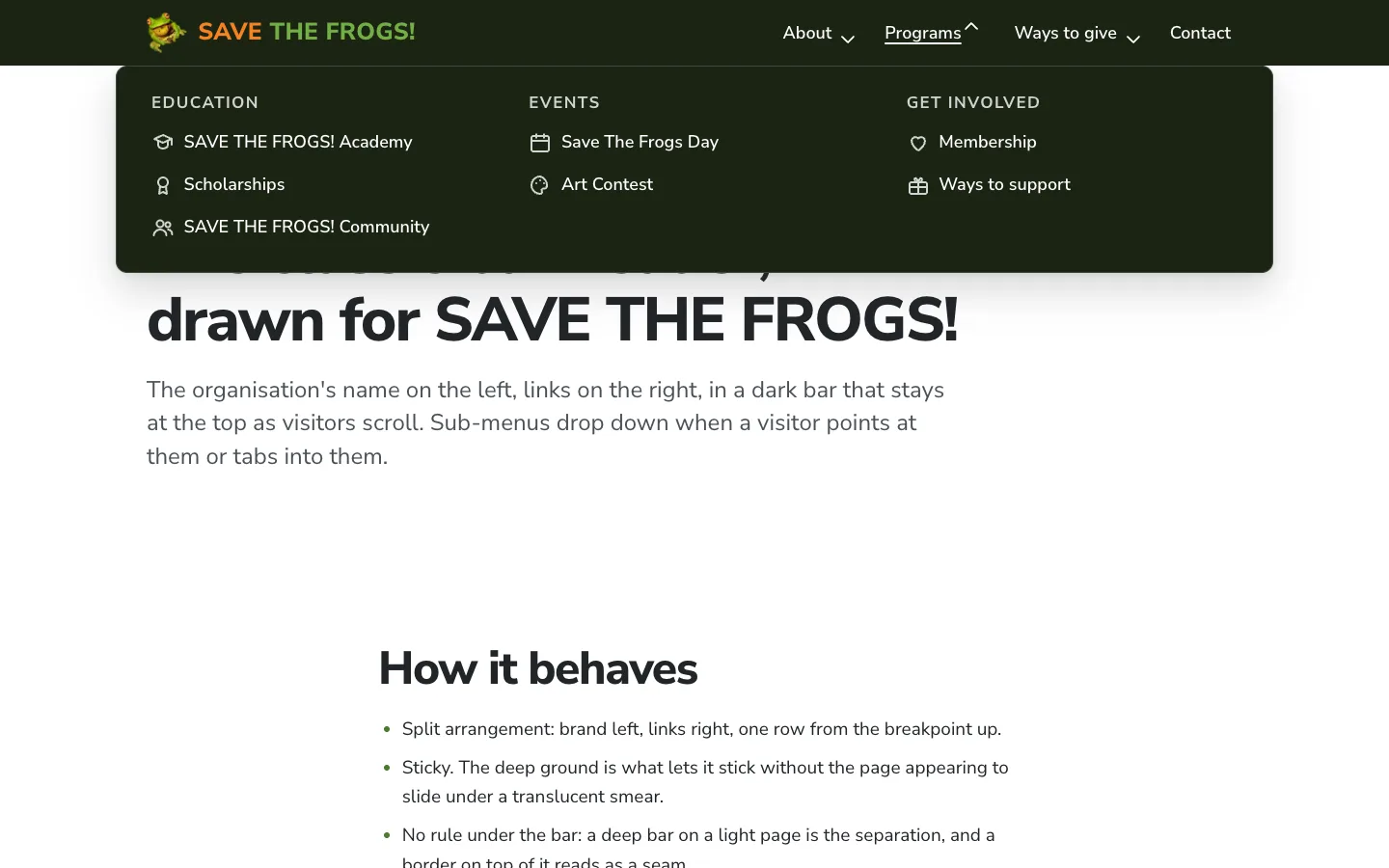
The organisation's name on the left, links on the right, in a dark bar that stays at the top as visitors scroll. Sub-menus drop down when a visitor points at them or tabs into them.

Use it for: The workhorse. Most business and organisation sites, and any menu long enough that vertical space must stay with the content.
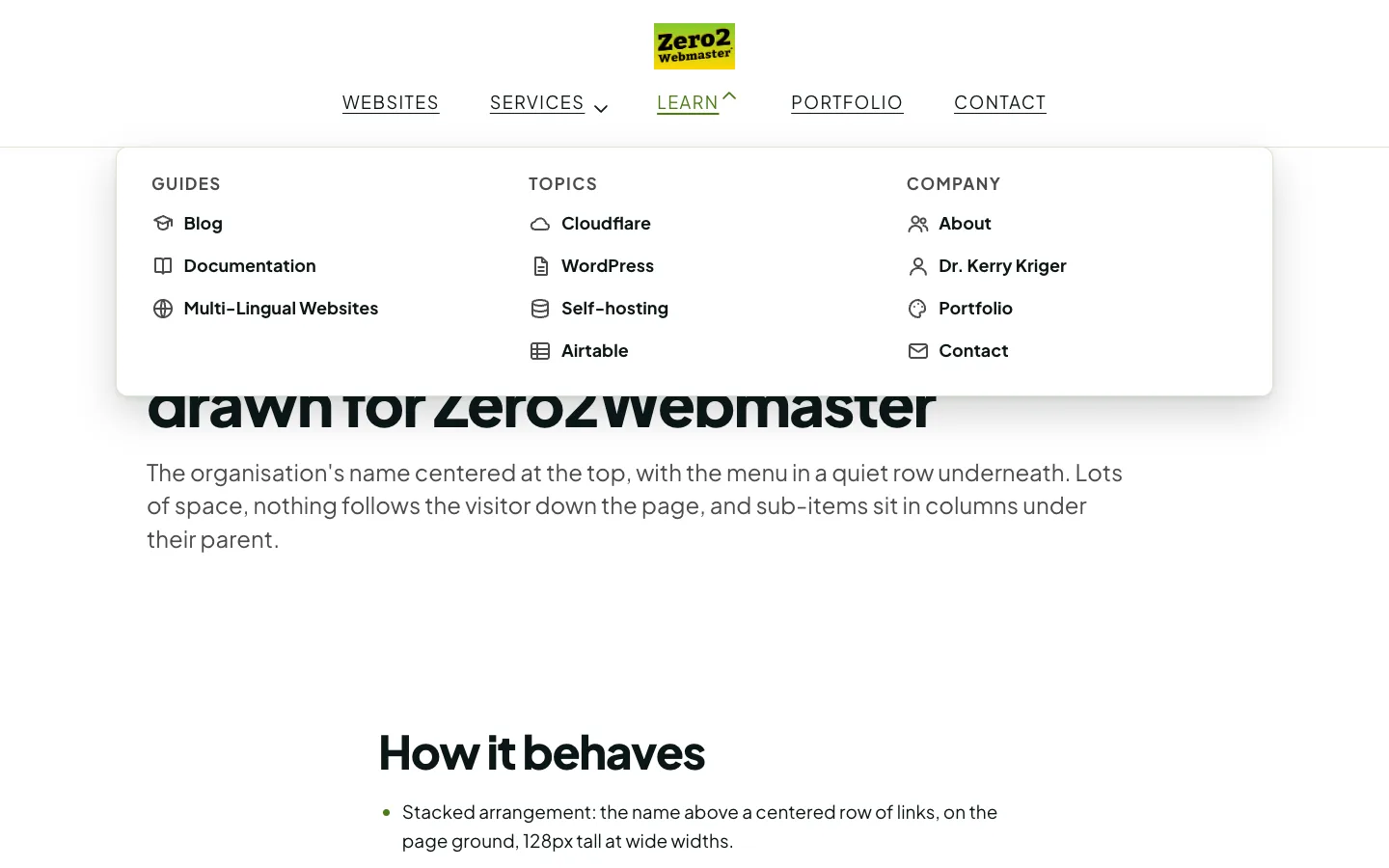
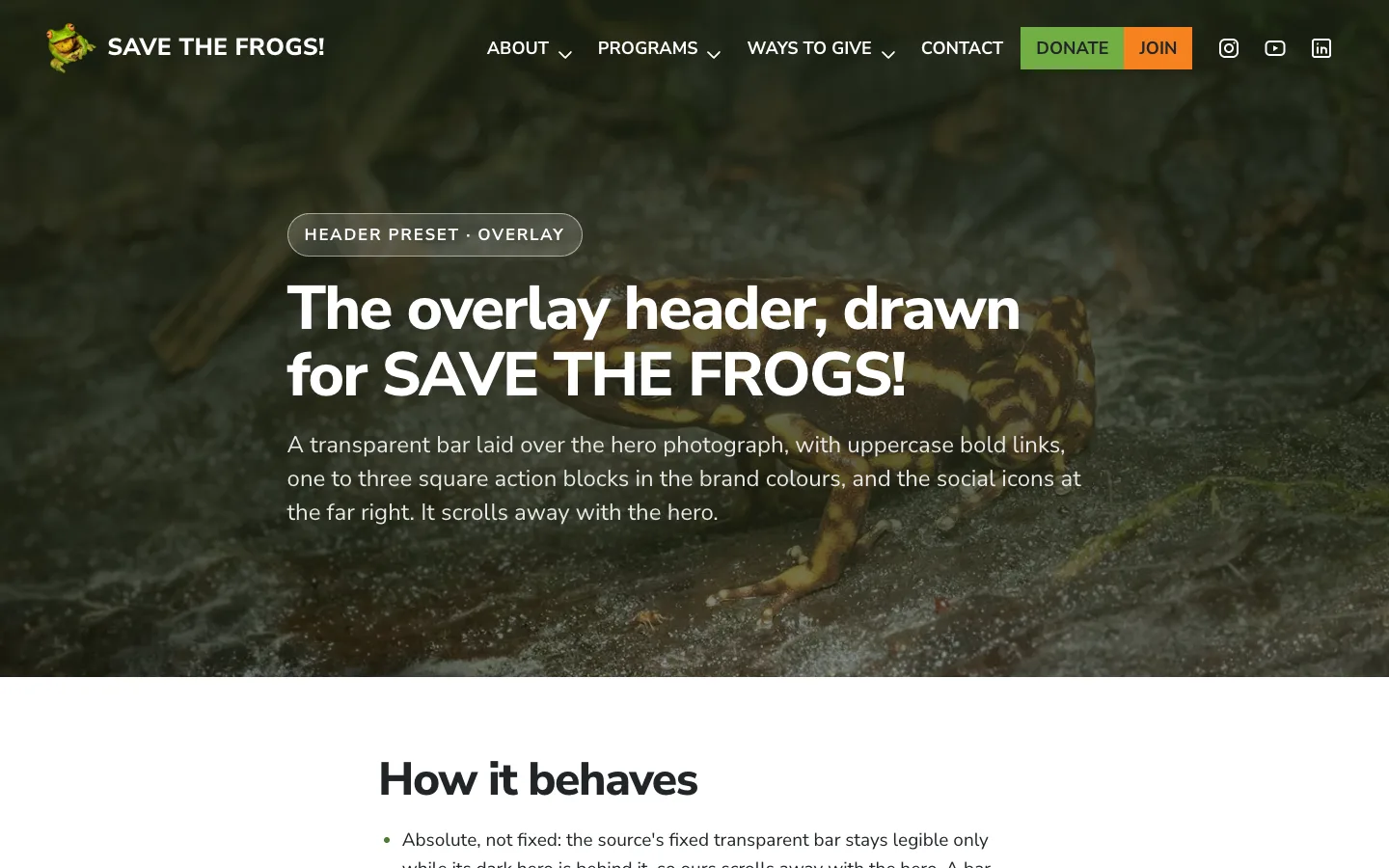
Screenshot of the centered editorial header drawn for SAVE THE FROGS!

header · centered

Centered editorial

The organisation's name centered at the top, with the menu in a quiet row underneath. Lots of space, nothing follows the visitor down the page, and sub-items sit in columns under their parent.

Use it for: A nonprofit, a journal or a personal site that wants the name met first and the menu as a quiet row beneath it.

Screenshot of the overlay header drawn for SAVE THE FROGS!

header · overlay

Overlay

A transparent bar laid over the hero photograph, with uppercase bold links, one to three square action blocks in the brand colours, and the social icons at the far right. It scrolls away with the hero.

Use it for: A page whose first screen is a photograph. The builder refuses this preset when the first section has no image.

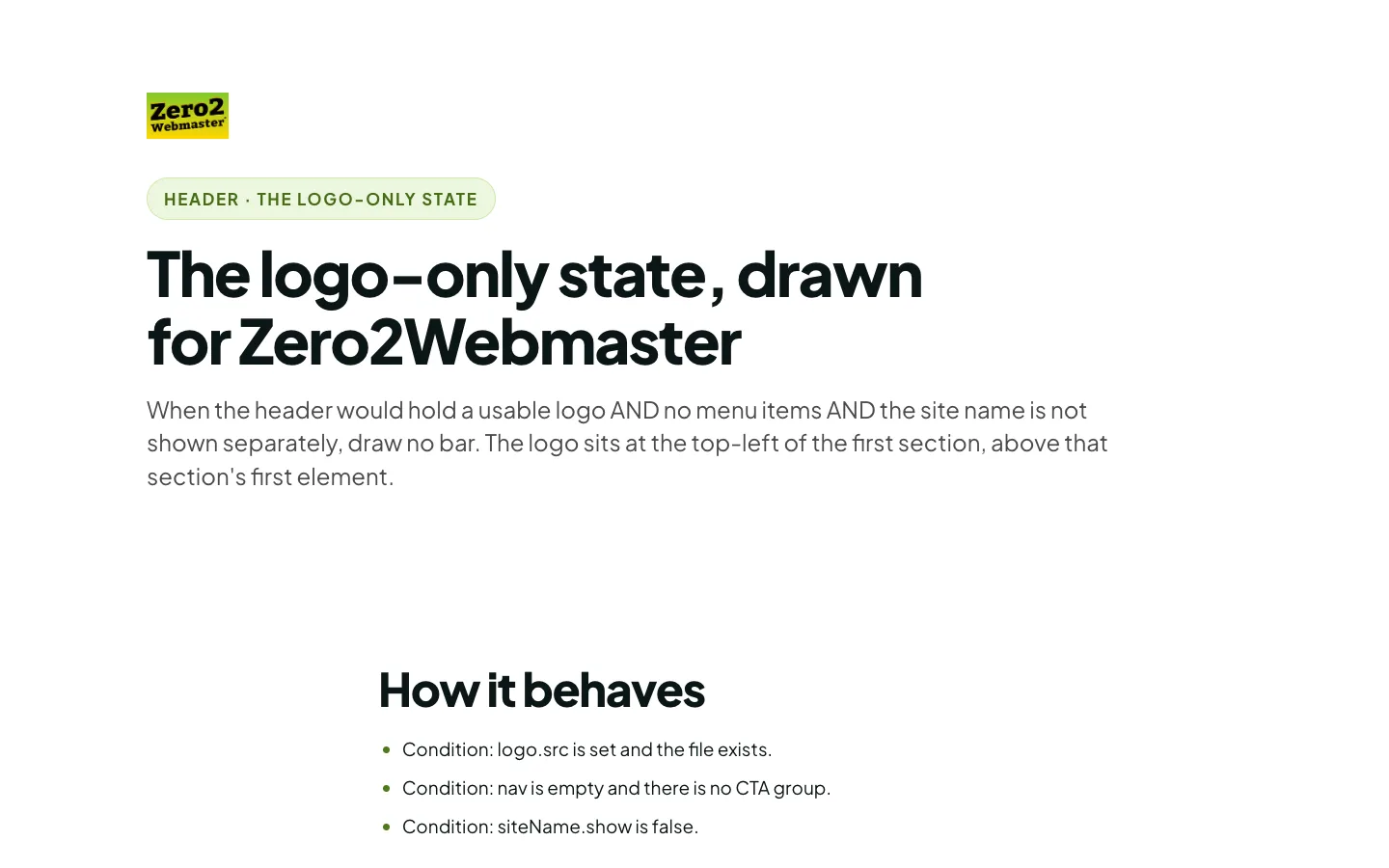
Screenshot of a page with no header bar: the Zero2Webmaster wordmark sits at the top-left of the first section

header · the logo-only state

No bar at all

When the header would hold a usable logo AND no menu items AND the site name is not shown separately, draw no bar. The logo sits at the top-left of the first section, above that section's first element.

Use it for: a page with a logo and nothing to navigate to.

Mobile menus

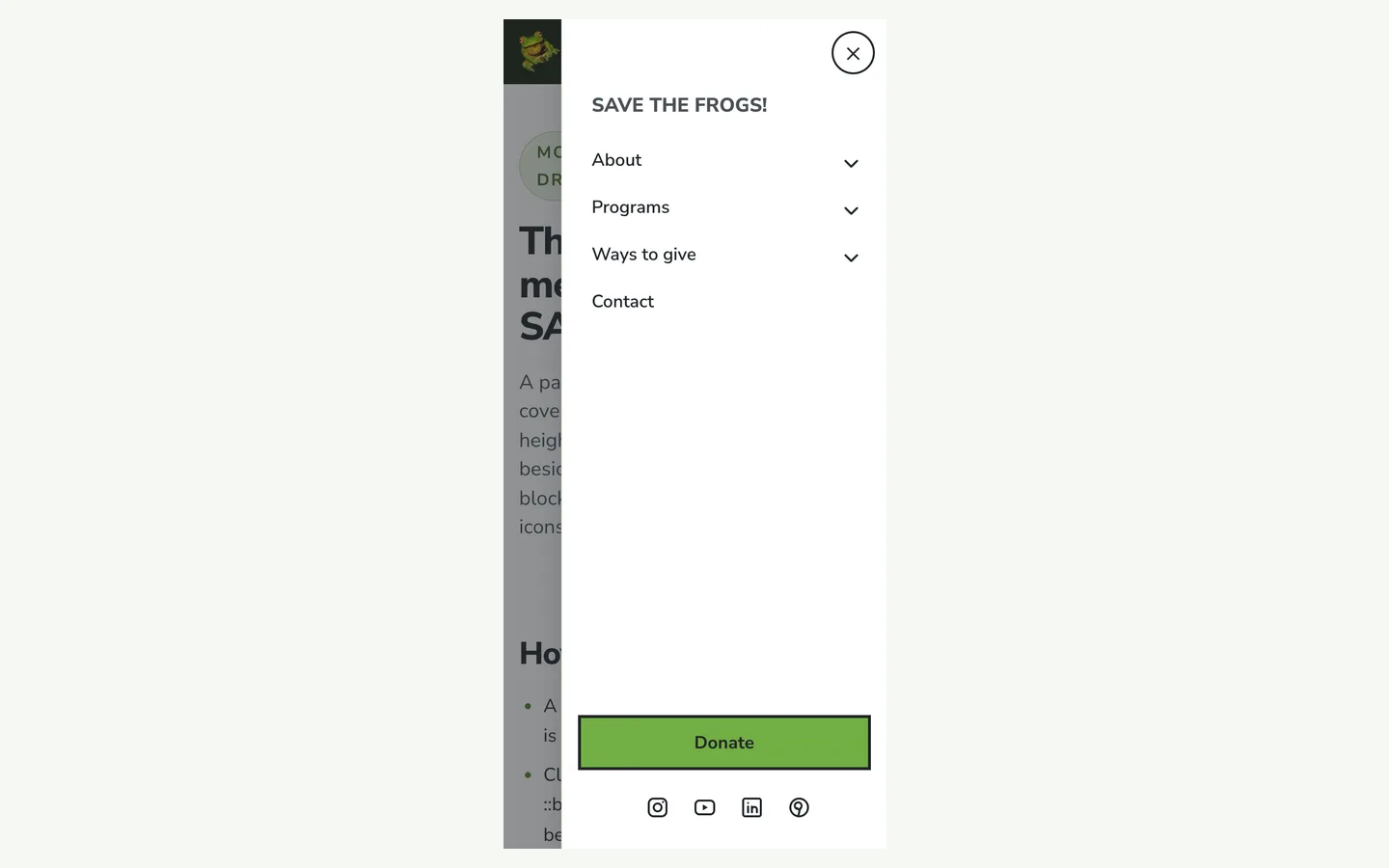
Below 1010px the bar's links give way to one of three menus. Each is a native details element, so it works with JavaScript off, closes by tap and by keyboard, and ships closed. The drawer and the full-screen menu fix their panel to the viewport and lock the page behind it with CSS alone.

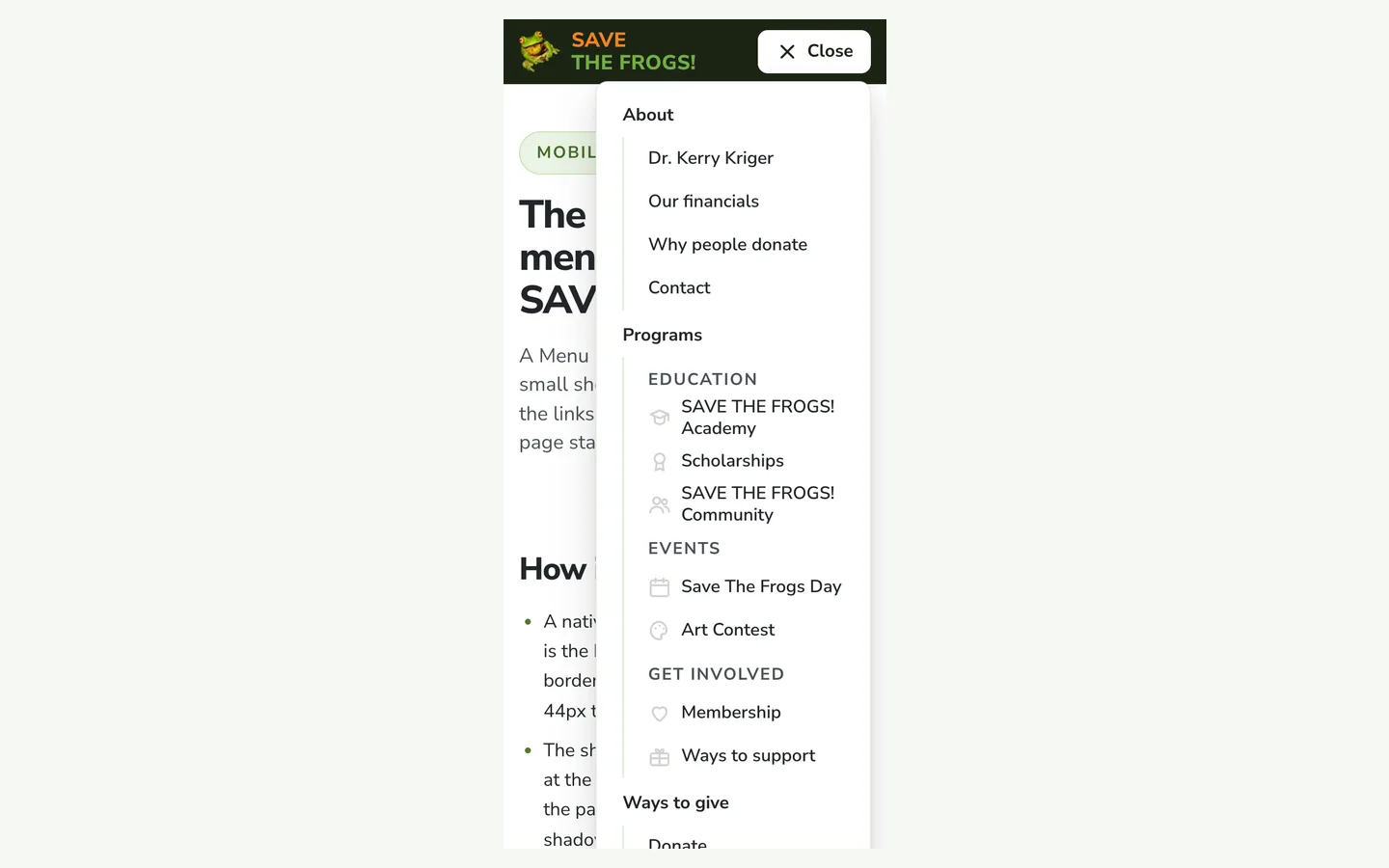
Screenshot of the sheet mobile menu drawn for SAVE THE FROGS!

mobile menu · sheet

Sheet

A Menu button in the bar opens a small sheet directly beneath it, holding the links and the primary button. The page stays where it is.

Use it for: The default. Short menus, and any page that already ships it: /beacon/, /z2w-us/ and site-control's narrow track.

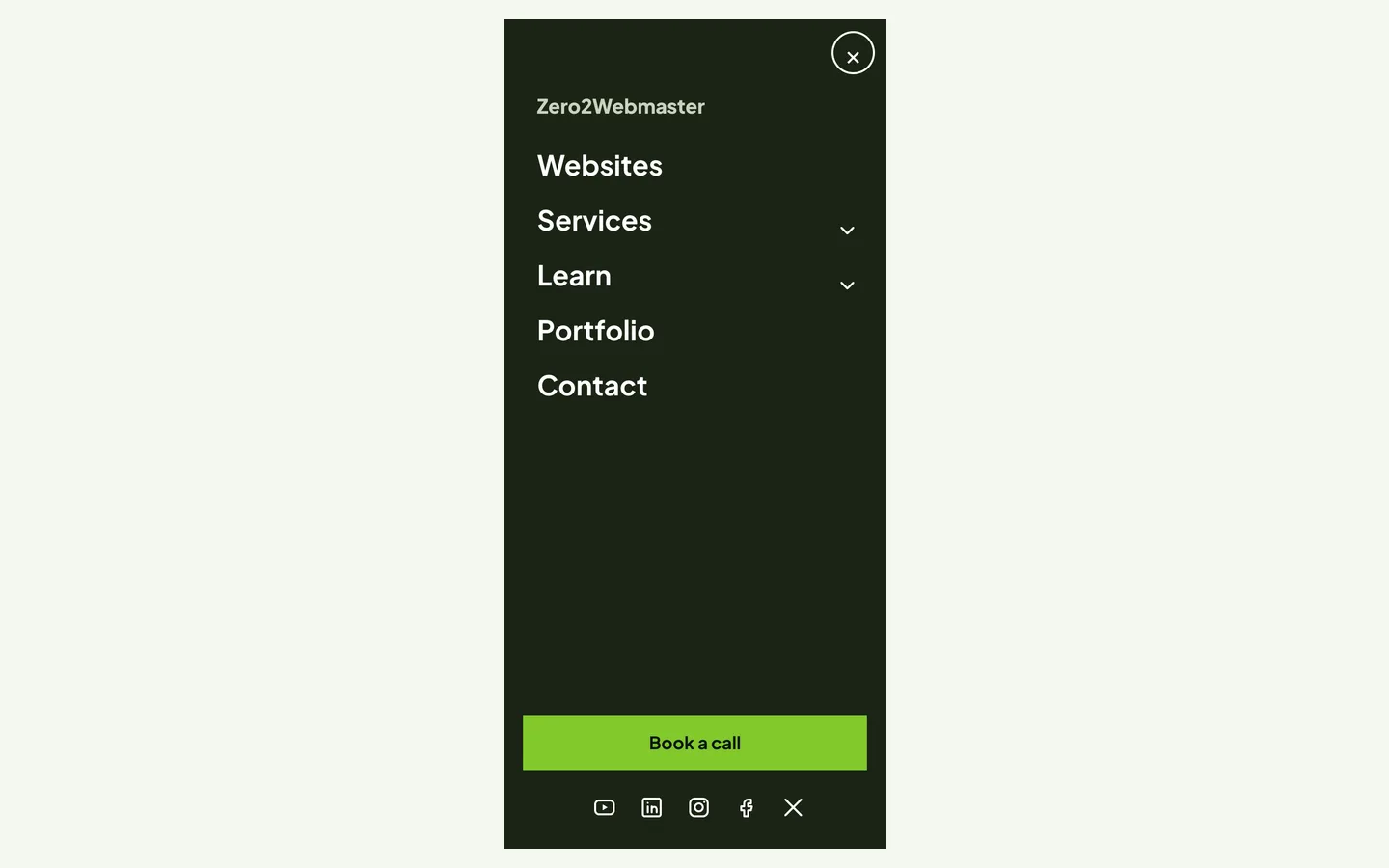
Screenshot of the full screen mobile menu drawn for SAVE THE FROGS!

mobile menu · fullscreen

Full screen

The menu fills the screen under the bar, on the deep ground, with very large bold items and nothing else. Children open in place. The social icons are pinned at the bottom.

Use it for: Short menus that want to feel like a destination. Big type and nothing else on the screen.

Footers

Three footers, from the fat footer that restates the organisation to the least a page may carry. Every fact in them comes from an organisation record: mission, charity status and tax ID, social networks, trust badges. A field that is empty draws nothing.

Screenshot of the fat footer footer drawn for SAVE THE FROGS!

footer · fat

Fat footer

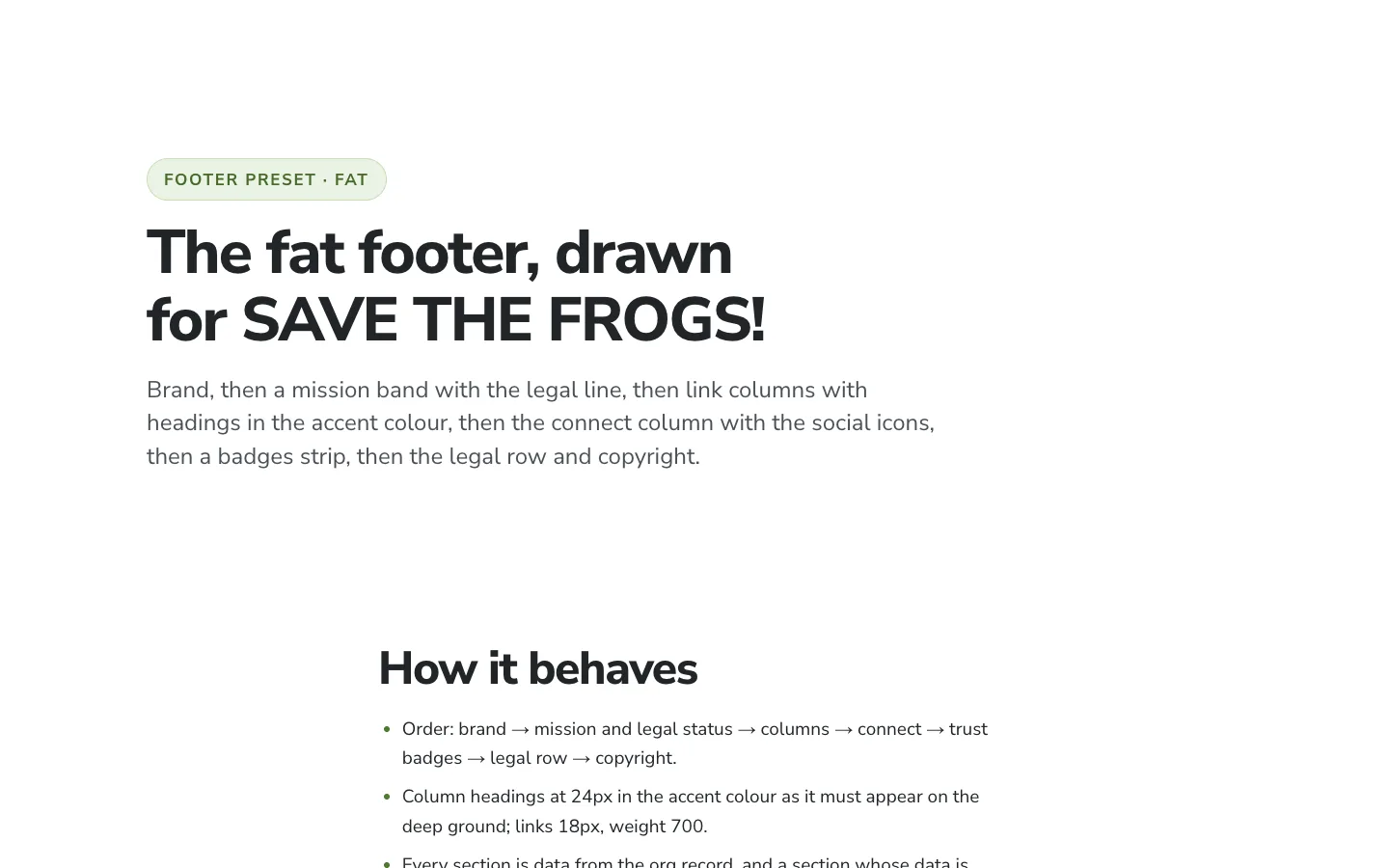
Brand, then a mission band with the legal line, then link columns with headings in the accent colour, then the connect column with the social icons, then a badges strip, then the legal row and copyright.

Use it for: An organisation with more than a dozen destinations and facts worth restating on every page: mission, charity status, trust badges.

Screenshot of the compact footer footer drawn for SAVE THE FROGS!

footer · compact

Compact footer

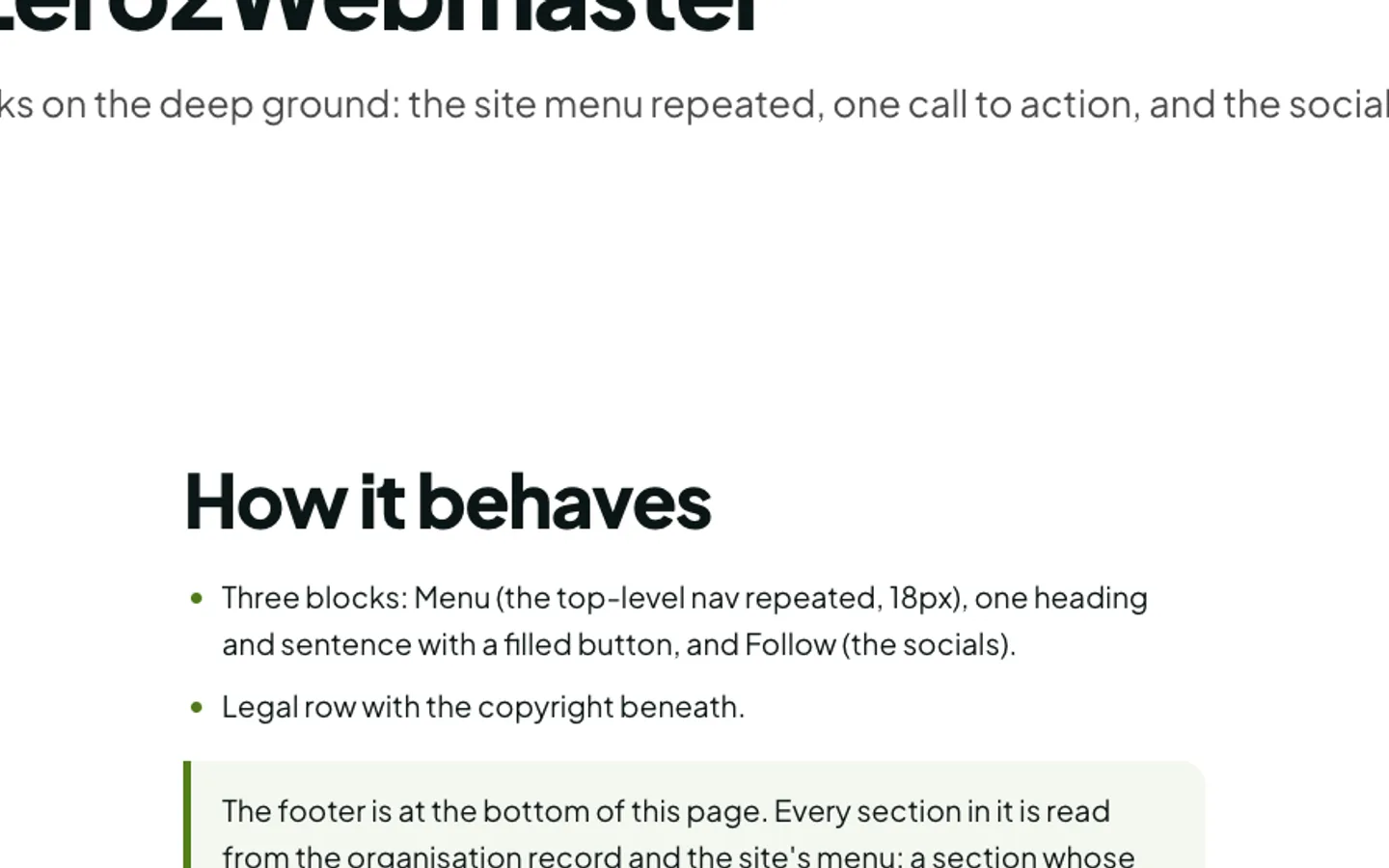
Three blocks on the deep ground: the site menu repeated, one call to action, and the social icons.

Use it for: A small site whose whole menu fits in one column and whose footer has one job.

Screenshot of the minimal footer footer drawn for SAVE THE FROGS!

footer · minimal

Minimal footer

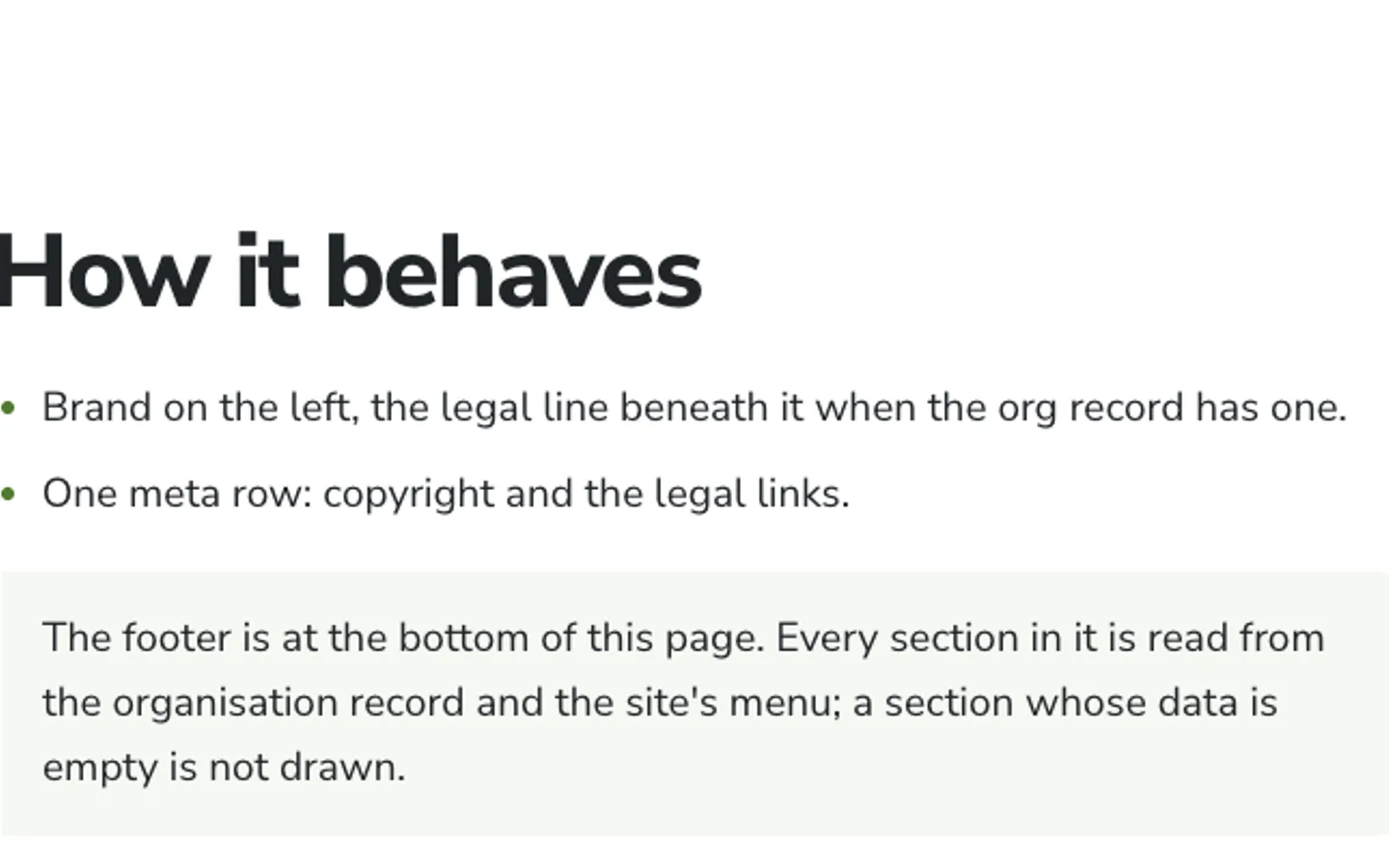
The brand and one meta row on the soft ground. The least a page may carry.

Use it for: A one-page site or a reference page that has nowhere else to send anyone.

How to read the kit

Every preset is rendered twice, once for SAVE THE FROGS! and once for Zero2Webmaster, because a template proves it is one only when it renders two brands. A header cannot be judged inside a card, since sticky, overlay and drawer behaviour only exist at a real viewport, so each demo is a full page with enough content to scroll three screens.

Every page here is plain HTML and one stylesheet, with no client JavaScript, so the components can be ported into a server renderer line by line. The build notes carry the sources measured off the live DOM, the ten invariants and how each is met, every text-and-ground pair measured in both brands, the decisions, the organisation record's shape, and the gap list: every field Site Control's renderer lacks, each with a schema and a fallback.